The Ultimate Burner Wallet Setup Guide: Stop Getting Drained in 2026
If you read my guide on Airdrop Hunting, you know that the secret to free money is testing new, unproven apps. But here is the scary part. Testing new apps is dangerous. One wrong click, one bad signature, and your entire life savings can vanish in seconds. It’s called being “drained,” and it happens to pros, not just beginners.
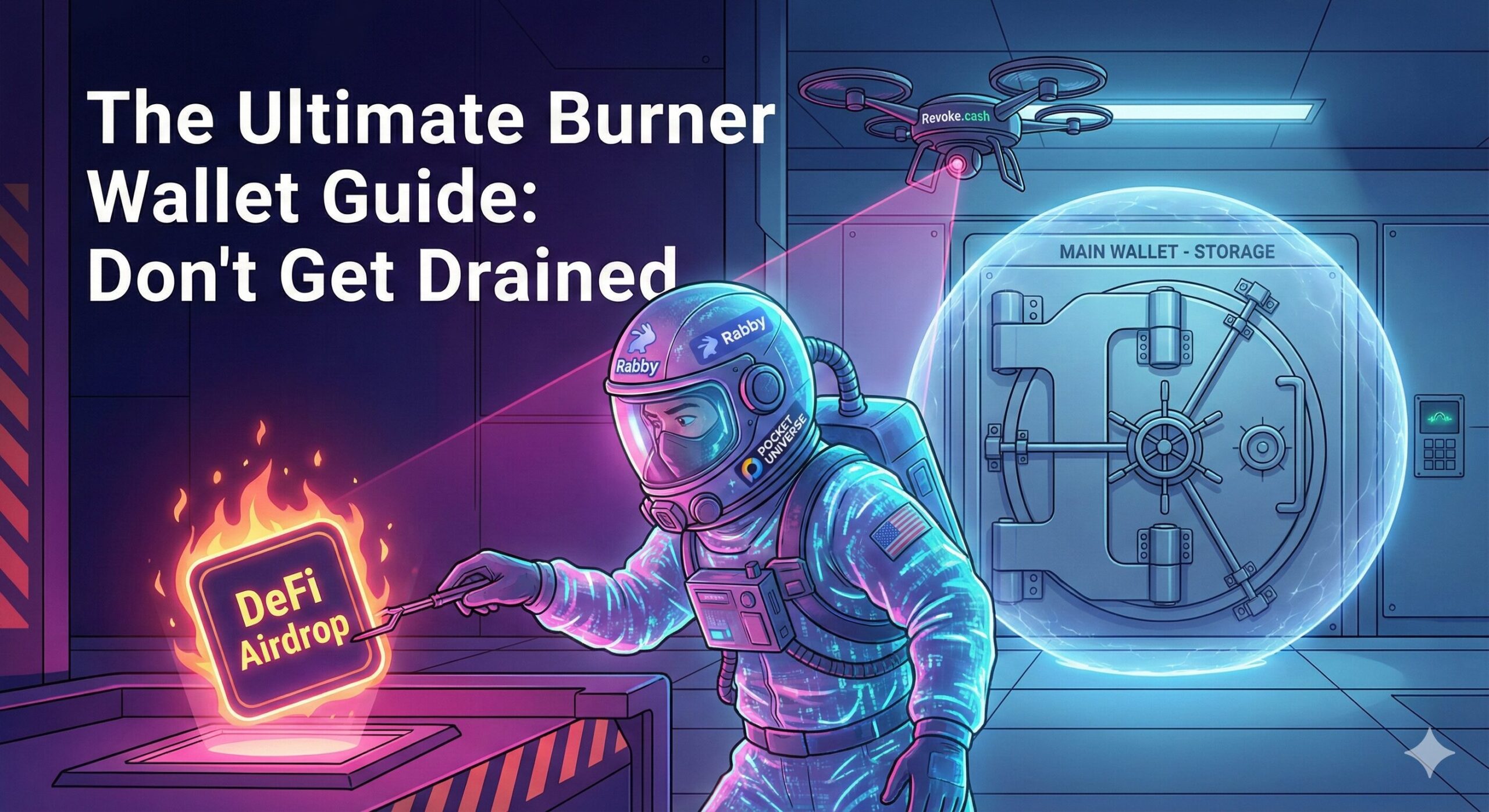
The solution is the Burner Wallet. Think of a Burner Wallet like a Hazmat suit. You put it on to go into the radioactive zone, do your work, and if it gets contaminated, you just throw it away. Your actual body—your Main Wallet—stays safe at home. In 2026, you cannot survive without one. Here is the exact, step-by-step technical setup I use to interact with sketchy contracts without losing sleep.
Before interacting with any unverified Web3 application, initializing a secure burner wallet should be your absolute first priority.
The core purpose of a decentralized burner wallet is to isolate operational risk from your primary digital asset savings.
The solution to this vulnerability is to utilize a disposable, strictly permissioned framework. Learning the correct burner wallet setup is the most effective way to protect your primary crypto assets from malicious smart contracts. Think of it as the ultimate application of the Hot Wallet vs Cold Wallet security split: you keep your life savings offline and entirely isolated, while using a temporary, high-risk software interface specifically to walk into a hazardous on-chain zone.
🔬 How We Selected These Security Platforms
To ensure this guide provides ironclad protection against the most advanced structural exploits seen in 2026, our technical team evaluated these defensive tools against a strict, multi-layered security matrix:
- Active Simulation Telemetry: Every software tool recommended must simulate cryptographic transaction outcomes before a user signature is requested to expose hidden drainer logic.
- Open-Source Infrastructure: We prioritize tools that maintain fully transparent codebases and undergo regular public third-party security audits to ensure there are absolutely no malicious backdoors.
- Decoupled Permission Mechanics: We specifically selected software configurations that allow users to manage smart contract permissions independently, preventing unauthorized address cross-contamination.
- Real-Time Threat Feeds: The best tools utilize live heuristic scanning to block malicious domains before the webpage even finishes rendering on your screen.
🔑 Key Takeaways
- Isolate Your Funds Completely: Never connect your main savings or hardware wallet to an unverified decentralized application. Maintain a strict threshold of only $50 to $100 inside your burner application at any given time.
- Upgrade Your Software Stack: Stop interacting with networks using a raw, unprotected browser extension. The modern standard requires pairing advanced simulation wallets with external threat-detection extensions.
- Trust No One (Not Even Familiar Links): Even legitimate, verified web links can fall victim to frontend hijack exploits. Attackers are currently buying ads on search engines and social media to perfectly clone real sites.
- Understand The Threat: The vast majority of modern thefts do not occur through private key leaks; they occur through blind signatures that legally hand over token allowances to malicious entities.
Phase 1: The Software (Rabby vs. MetaMask)
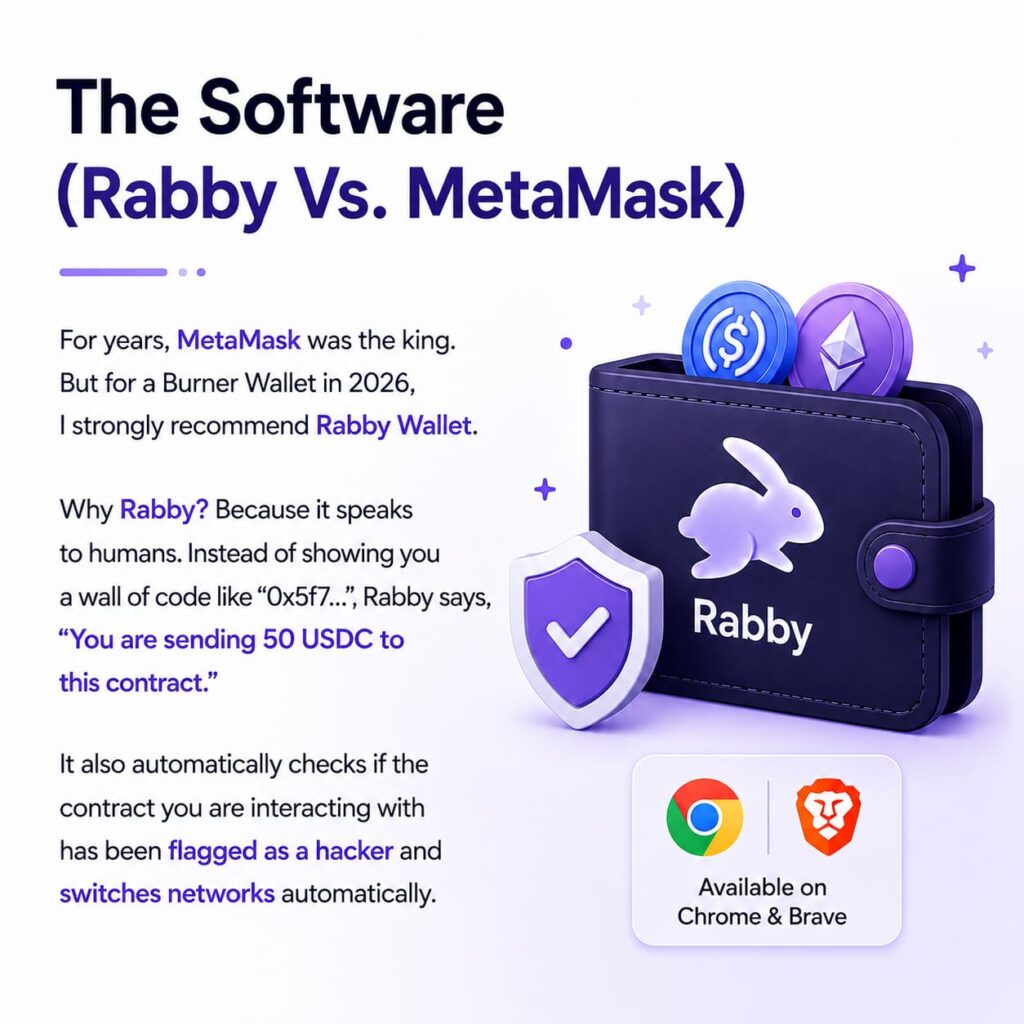
For years, MetaMask was the king. But for a Burner Wallet in 2026, I strongly recommend Rabby Wallet. Why Rabby? Because it speaks to humans. Instead of showing you a wall of code like “0x5f7…”, Rabby says, “You are sending 50 USDC to this contract.” It also automatically checks if the contract you are interacting with has been flagged as a hacker and switches networks automatically.
Step 1: Download the Rabby Wallet extension for Chrome or Brave.
Step 2: Create a New Seed Phrase. This is crucial. Do NOT import your main wallet’s seed phrase. Create a brand new one. This is your “Dirty” wallet.
Step 3: Label this wallet clearly in the app as “BURNER – HIGH RISK” so you never confuse it.
The Solana ecosystem moves at lightning speed, which is incredible for user experience but devastating if you make a mistake. If you are entirely new to this high-throughput network and need to master its underlying mechanics before attempting to secure it, start with our comprehensive Solana Crypto Guide 2026. When searching for the safest crypto wallet for high-frequency interactions on this chain, simulation and permission control are the top two requirements.
Phase 2: The “Bodyguard” (Pocket Universe)
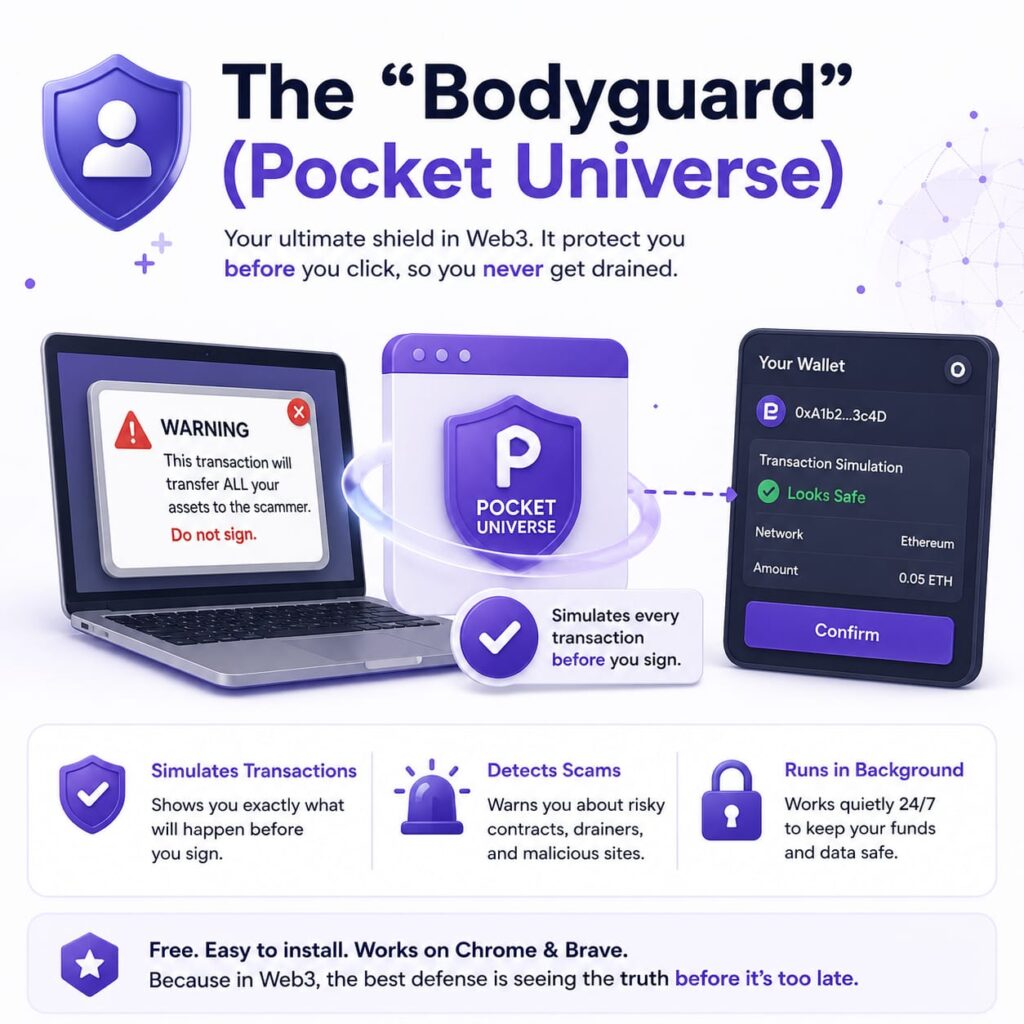
This is the most important tool you will ever install. Pocket Universe is a free browser extension that pops up before your wallet. It simulates the transaction to show you exactly what will happen.
Imagine you click “Mint NFT” on a website. Without Pocket Universe, MetaMask pops up, you click confirm, and it turns out it was a drainer. You lose your ETH. With Pocket Universe, a window pops up saying: “WARNING: This transaction will transfer ALL your assets to the scammer. Do not sign.”
To set it up, just go to the Chrome Web Store, install Pocket Universe, and pin it to your browser bar. That’s it. It runs automatically in the background.
For years, MetaMask reigned supreme as the industry standard for interacting with EVM chains. Before diving into these advanced third-party wallet configurations, if you need a solid foundational understanding of how smart contracts, gas fees, and network interactions actually work on the mainnet, reference The Best Ultimate Ethereum Crypto Guide. Once you understand the base layer, you will immediately see why switching away from legacy interfaces to a modern tool like Rabby is highly advantageous.
Phase 3: The Funding Workflow
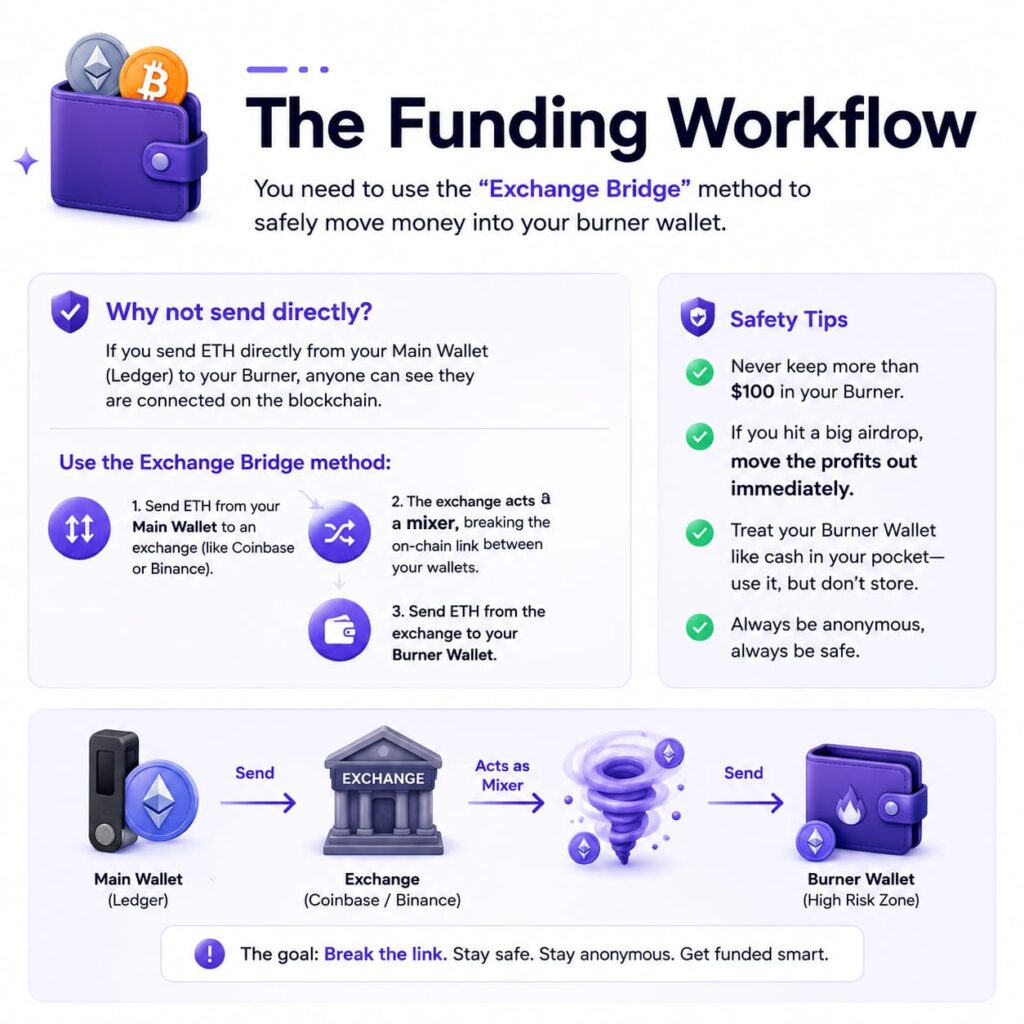
Now you have a wallet, but it’s empty. How do you get money into it without linking it to your main wallet? You need to use the “Exchange Bridge” method.
Don’t send ETH directly from your Main Wallet (Ledger) to your Burner. If you do, anyone looking at the blockchain can see they are connected. Instead, send ETH from your Main Wallet to an exchange like Coinbase or Binance. Then, send that ETH from the exchange to your Burner Wallet. The exchange acts as a mixer, breaking the on-chain link between your life savings and your degen activities. Also, never keep more than $100 in your Burner. If you hit a big airdrop, move the profits out immediately.
I actually deposited my own funds and opened a high-speed margin trade during a volatile session. You can see exactly how their matching engine handled the chaos in my full Binance exchange review 2026 before you decide to verify your account.
Phase 4: The Maintenance Routine
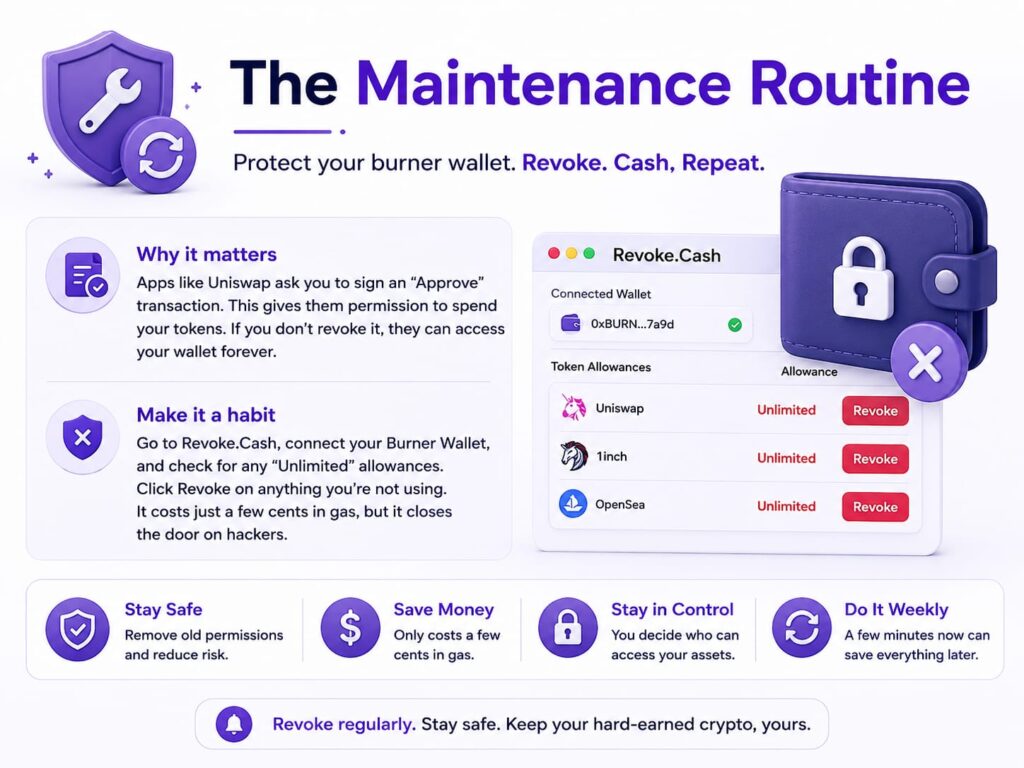
When you use an app like Uniswap, you often have to sign an “Approve” transaction. This gives the app permission to spend your tokens. If you don’t revoke that permission, they have access to your wallet forever.
Make this a weekly habit. Go to Revoke. Cash, connect your Burner Wallet, and look for any “Unlimited” allowances. Click Revoke on anything you aren’t currently using. It costs a few cents in gas, but it closes the door so hackers can’t get back in later.
Phase 5: The Funding Workflow (The Air Gap)
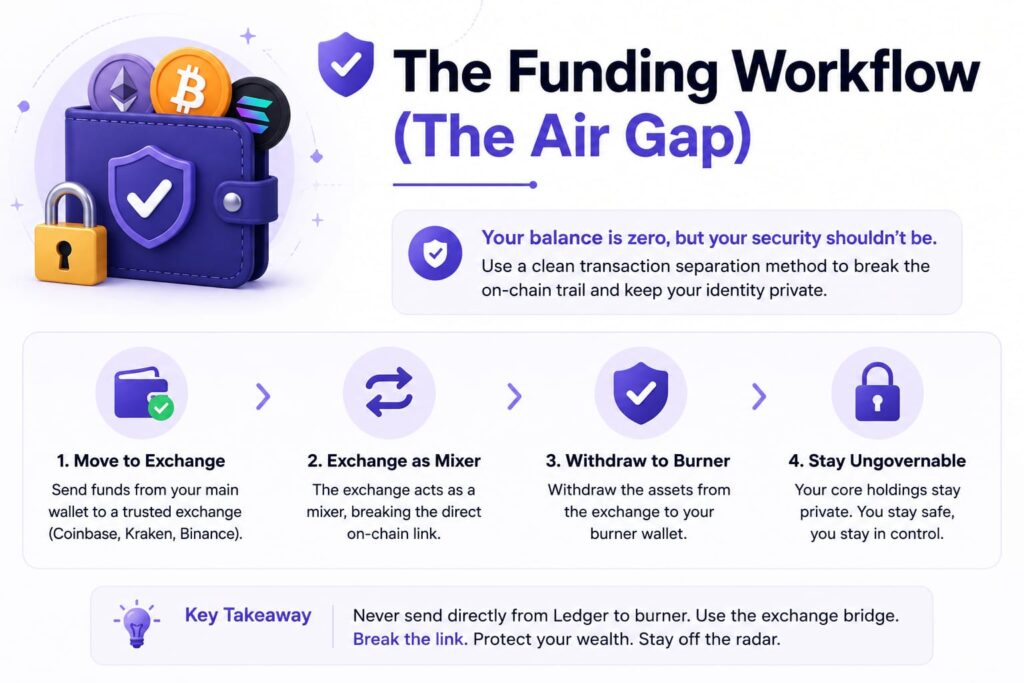
Now you have a fully protected, isolated wallet—but its balance is zero. How do you deposit capital into it without exposing the identity of your primary holdings? You must utilize a clean transaction separation method to break the public on-chain trail.
Never link your hardware wallet or cold storage assets to unverified, experimental decentralized applications. If you send ETH or SOL directly from your Ledger to your burner address, public blockchain explorers will permanently link the two addresses together via on-chain forensics. Hackers will see exactly how much capital you are hiding in cold storage.
Instead, transfer your required crypto from your main wallet to a high-volume centralized exchange like Coinbase, Kraken, or Binance. From there, withdraw the assets to your burner address. The exchange’s massive internal hot-wallet ledger acts as a visual mixer, cleanly separating your core net worth from your high-risk activities.
Never link your hardware wallet or cold storage assets to unverified, experimental decentralized applications. If you send ETH or SOL directly from your Ledger to your burner address, public blockchain explorers will permanently link the two addresses together via on-chain forensics. Because of the immutable nature of the network, which we break down in Blockchain Technology Explained Simply, this public trail can never be erased. Hackers will see exactly how much capital you are hiding in cold storage.
Phase 6: The Maintenance Routine
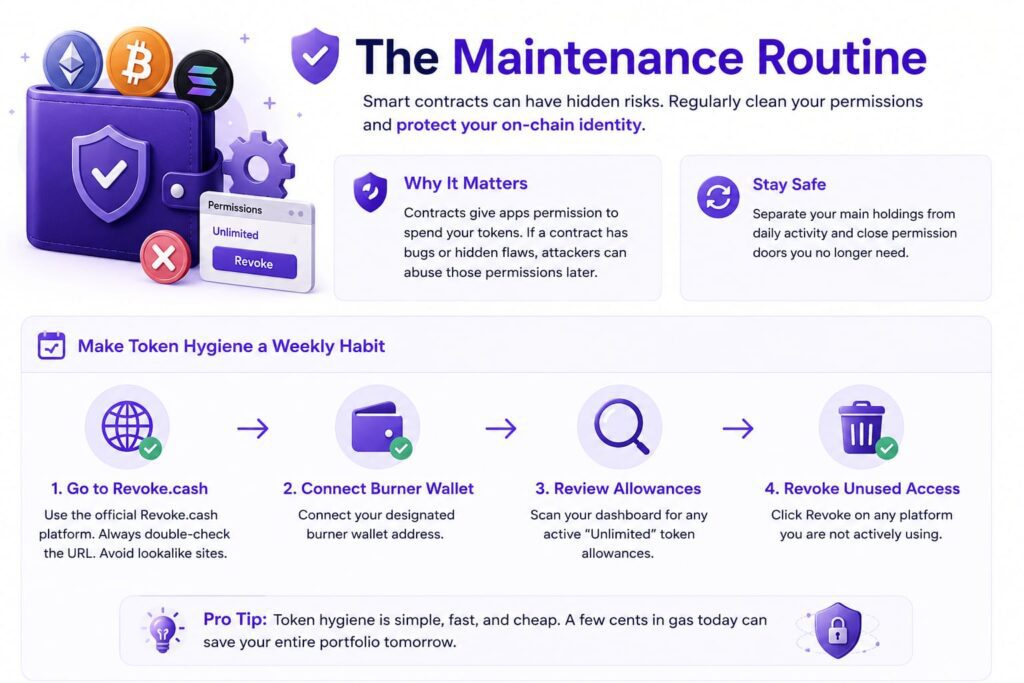
When interacting with decentralized applications like automated market makers or lending platforms, smart contracts require you to sign an “Approve” transaction. This grants the code permission to spend your tokens. However, if a contract contains hidden flaws or the platform suffers a future exploit, those open allowances can be abused indefinitely. Managing your on-chain identity means knowing when to separate your main holdings from your daily transaction wallet and closing the doors behind you when you leave.
Make token hygiene a fixed, non-negotiable weekly habit:
- Navigate to the official
Revoke.cashplatform (Always double-check the URL to ensure it is not a lookalike drainer site). - Connect your designated burner address.
- Scan the dashboard for any active “Unlimited” token allowances.
- Click Revoke on any platform you are not actively using.
Phase 7: The Ultimate Post-Hack Recovery Protocol
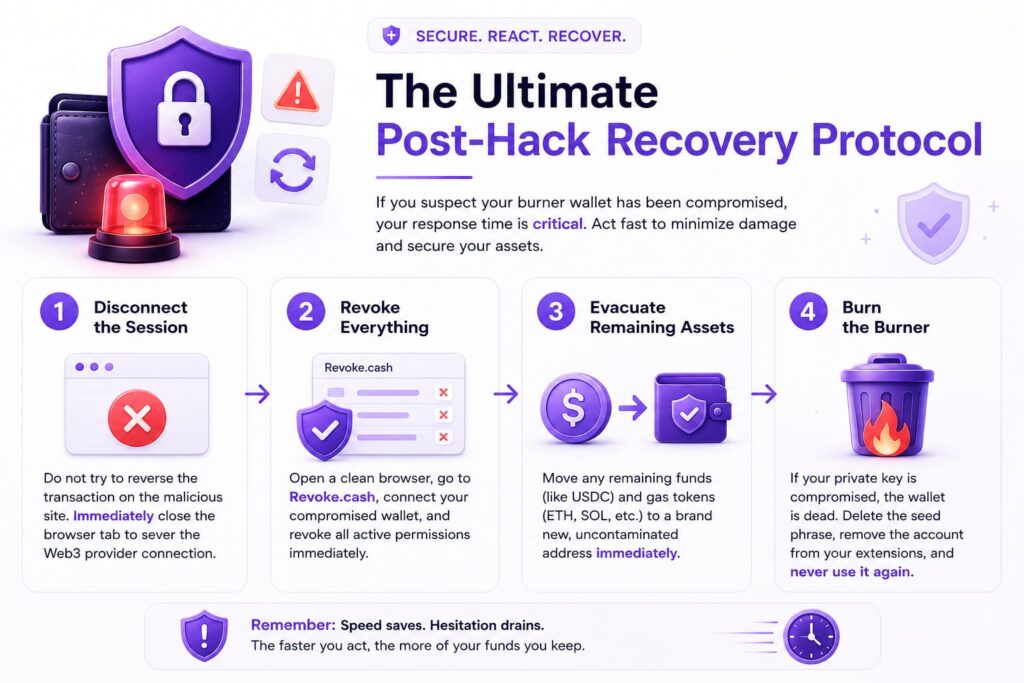
Even with a hazmat suit on, radiation sometimes leaks through. If you realize you have signed a malicious transaction, your response time dictates whether you lose some of your funds or all of them. Our guide to safe decentralized finance (DeFi) interactions emphasizes speed without compromising your security posture.
If you suspect your burner wallet has been compromised, execute this emergency protocol immediately:
- Disconnect the Session: Do not attempt to reverse the transaction on the malicious site. Immediately close the browser tab to sever the Web3 provider connection.
- Revoke Everything: Open a clean browser instance, navigate to
Revoke.cash, connect the compromised wallet, and instantly revoke all permissions. - Evacuate Remaining Assets: If the attacker was only targeting a specific token (like USDC) and left your native gas tokens (like ETH or SOL) alone, immediately send those remaining assets to a brand new, uncontaminated address.
- Burn the Burner: Once a wallet’s private key is suspected of being compromised, or it has interacted with a highly malicious contract, it is dead. Delete the seed phrase, remove the account from your browser extension, and never send funds to it again.
⚡ Don’t Navigate the High-Risk Zone Alone
Join the CoinExpansion Pioneer Program
You now possess the foundational tools and structural knowledge to shield your capital from the most aggressive drainer networks in the industry. But the web3 exploit landscape shifts in milliseconds, and the tactics that work today will inevitably be bypassed tomorrow.
When you secure your place in the CoinExpansion Pioneer Program, you gain direct access to real-time, enterprise-grade security intelligence. Receive immediate alerts regarding newly deployed drainer architectures, private warnings on compromised decentralized applications, and regular infrastructure breakdowns before they impact the broader retail market. Protect your assets with elite data and a community that watches your back—join our network of verified pioneers today and never get blindsided by a smart contract again.
Frequently Asked Questions (FAQ)
Q: Can I use a Ledger as a Burner Wallet?
A: You can, but it’s annoying. You have to physically click buttons on the device for every tiny transaction. A software wallet like Rabby is much faster for airdrop hunting. Use the Ledger for storage, not hunting.
Q: Is Pocket Universe free?
A: Yes, the core protection is free. They have a premium tier, but for 99% of users, the free version protects you from all known drainers.
Q: What if I accidentally connect my Main Wallet to a scam site?
A: Disconnect it immediately. Then, go to Revoke. Cash and revoke ALL permissions. Finally, consider moving your funds to a fresh wallet just to be safe.
Q: Does this work for Solana too?
A: Rabby is for EVM chains like Ethereum and Base. For Solana, use Phantom Wallet (which has similar built-in simulation features) or install the Blowfish security extension.